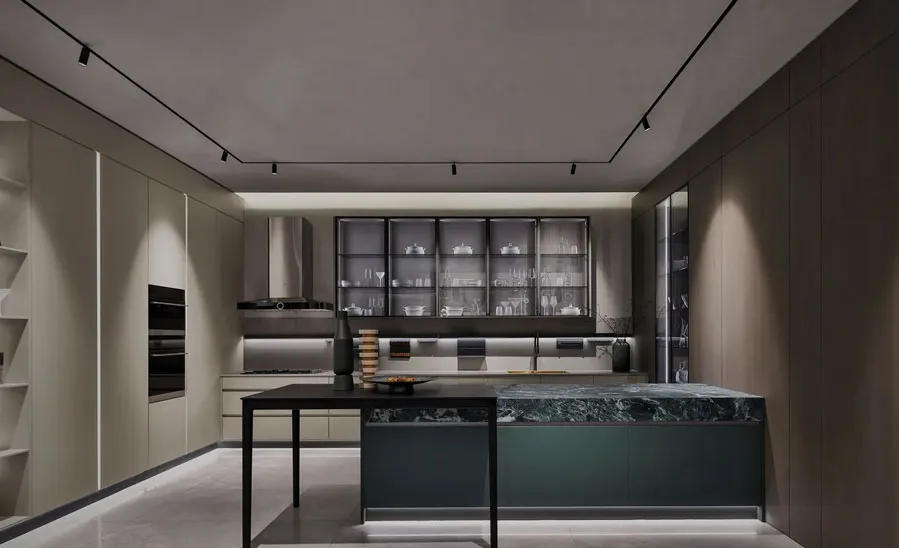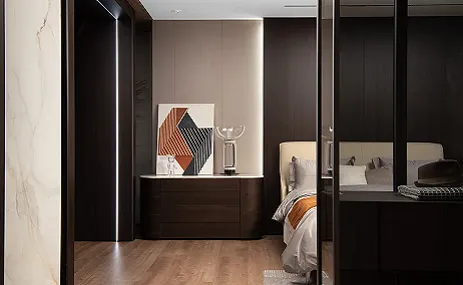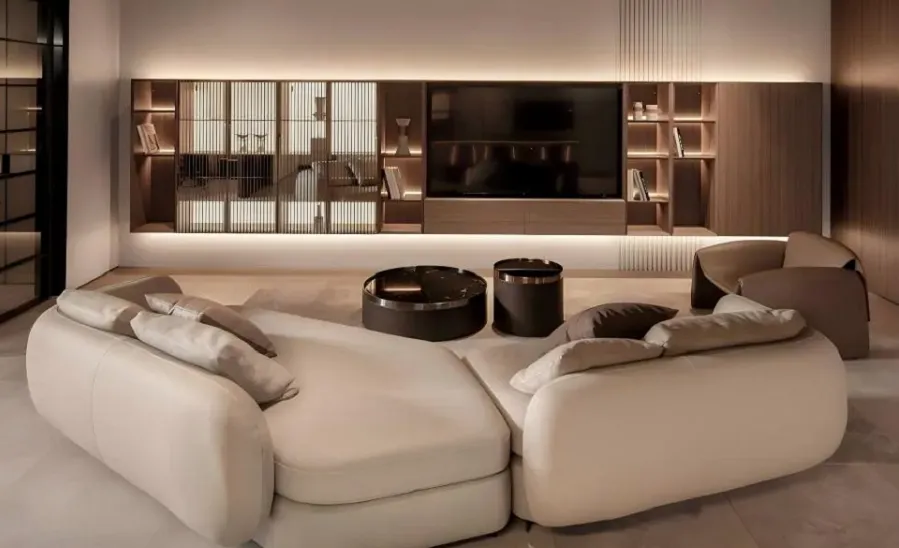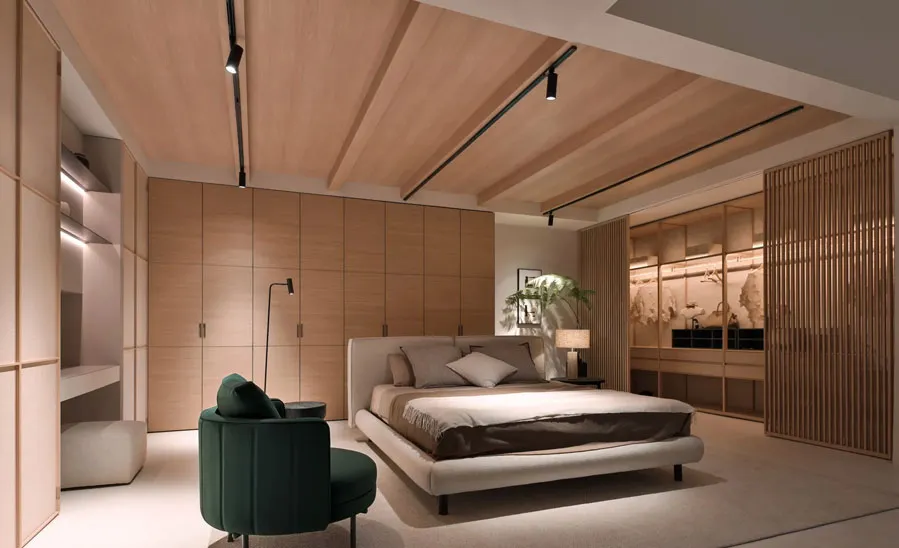
In 2026, smart features are no longer optional extras — they are becoming expected value drivers for buyers, renters, and property investors. The challenge is integrating technology without cluttering aesthetics or creating maintenance headaches. This guide shows how home design can embed smart systems cleanly and reliably, and how a whole home design approach helps coordinate lighting, HVAC, security, networking, and finishes as one cohesive plan.
.png "esign: How to Future-Proof Real Estate With Smart Technology Integration")
Smart home technology that is planned during the design phase is invisible. Smart technology added after construction is visible — cable channels cut into finished walls, surface-mounted conduit, power outlets in the wrong locations, and wireless access points in positions dictated by convenience rather than coverage.
| Planning Stage | Smart Tech Decision | Cost of Getting It Wrong |
|---|---|---|
| Architectural drawings | Conduit routes for Ethernet and AV cables | Cut-in work after finishes complete adds 3–5× the cost |
| Cabinetry design | Location and depth of built-in charging drawers and AV equipment shelves | Retrofit requires custom millwork modification |
| Electrical layout | Dedicated circuits for smart hubs and critical systems | Adding circuits after fit-out requires significant electrical work |
| Ceiling and wall finishes | Access panel positions for wiring junctions | Patching finished surfaces is expensive and often visible |
Lighting control: switch locations, dimmer compatibility, neutral wire availability, scene controller positions
HVAC and climate: thermostat locations, zone damper positions, air quality sensor placement, humidity sensor zones
Security: door and window sensor positions, camera field-of-view planning, smart lock compatibility with door hardware
Networking: wireless access point mounting positions, Ethernet run destinations, structured wiring panel location
Audio and shades: speaker zones, shade motor wiring, equipment rack position and ventilation
Every smart home device depends on reliable network connectivity. An underperforming network is the most common reason a smart home that was expensive to install performs frustratingly in daily use.
| Network Element | What to Plan | Why It Matters |
|---|---|---|
| Wireless access point positions | Ceiling-mount APs in each zone for complete coverage | Avoids dead spots; reduces dependence on range-extenders that add latency |
| Ethernet runs | Home runs to TV positions, office desks, AV equipment locations | Provides stable wired connections where consistency is critical |
| Structured wiring panel | Central termination point for all data cables; accessible location | Enables clean management and future changes without wall access |
| Network equipment | Router, managed switch, UPS battery backup | Prevents network loss during power events; protects equipment |
Dedicated circuits: smart home hubs, NAS storage, security recorders, and EV chargers should each have a dedicated circuit — prevents nuisance tripping and interference
Neutral wire at all switches: many smart dimmers and switches require a neutral wire that older homes do not have — confirm during rough-in, not during device installation
Surge protection: whole-home surge protection at the panel plus point-of-use protection on sensitive equipment
Battery backup: a small UPS on the network equipment, security system, and smart home hub maintains function through short outages
Label every cable at both ends. Photograph the structured wiring panel before close-up. Create a one-page "what is installed and where" document that travels with the property — this single document saves hours of troubleshooting when the system needs attention years later.
Smart lighting does more than remote control — it supports the different activity modes that happen in the same space throughout the day.
| Lighting Mode | Scene Configuration | Benefit |
|---|---|---|
| Morning routine | Warm white at lower intensity; gradual increase | Supports natural wake cycle; reduces harsh starts |
| Work or study | Cooler white at higher intensity at desk positions | Improves concentration and reduces eye strain |
| Dining and socializing | Warm ambient with dimmed task light | Creates atmosphere without changing fixtures |
| Evening wind-down | Very warm white at minimum intensity | Reduces blue light; supports sleep preparation |
| Security and absence | Random simulation when unoccupied | Reduces visible patterns for security |
Occupancy sensing in hallways, bathrooms, and utility spaces removes the friction of remembering to turn lights off — and measurably reduces energy consumption in properties with multiple occupants.
Zoned HVAC: separate temperature zones for sleeping areas, living zones, and home offices prevent the compromise of a single thermostat
Smart thermostats: learning schedules based on occupancy patterns reduce energy use without reducing comfort
Air quality monitoring: CO2, particulate, and humidity sensors enable automatic ventilation responses — particularly valuable in tightly sealed modern buildings
Humidity control: humidity management in bedrooms and bathrooms prevents condensation-related issues that create maintenance problems over time
Safety technology has moved from luxury to baseline expectation in well-specified residential and commercial properties.
| Safety System | What It Does | Installation Consideration |
|---|---|---|
| Smart door locks | Keyless access with audit trail; remote lock/unlock | Confirm compatibility with existing door hardware before specifying |
| Door and window sensors | Alert on unexpected opening; integrate with alarm | Battery-powered sensors require access for replacement |
| Water leak detection | Sensors at appliances, under sinks, and at water entry points | Automated valve shut-off adds protection for unoccupied properties |
| Smoke and CO integration | Connected alerts with remote notification | Confirm local code compliance requirements for placement |
| Motion sensors | Perimeter detection; occupancy confirmation | Placement must balance coverage with privacy in shared spaces |
Camera placement requires balancing security effectiveness with ethical and legal requirements:
External cameras covering entry points and perimeter: clearly visible, announced in property documentation
Internal cameras: generally limited to common areas in multi-unit properties; avoid bedrooms and bathrooms entirely
Storage: local storage options on a NAS or DVR keep footage within the owner's control; cloud storage introduces ongoing cost and third-party data access
Smart devices generate behavioral data. Homeowners and property managers should understand what data each device collects, where it is stored, and who has access. Selecting devices with local processing options and reviewing the manufacturer's data policy before specifying reduces exposure and builds trust with occupants.
The goal of successful smart home integration in premium home design is technology that is sensed but not seen — the house responds, the light adjusts, the door unlocks, but the devices themselves do not dominate the visual environment.
| Technique | Application | Visual Outcome |
|---|---|---|
| Built-in charging drawers | Kitchen island, bedside cabinet, home office | Devices charge out of sight; surfaces remain clear |
| Concealed AV hub | Cabinet with ventilation; behind mirror; in utility space | Equipment accessible for service but invisible in daily use |
| Flush-mounted wall panels | Control panels recessed flush with wall finish | No protruding devices; consistent wall plane |
| Hidden cable channels | Built into skirting, cornice, or furniture | Cables do not appear on finished surfaces |
| Neutral faceplates | Switch and socket plates in the same material and color as the wall | Devices read as part of the wall rather than as equipment |
The fastest way to make an expensive smart home feel outdated is to specify proprietary systems in non-standard configurations that cannot be upgraded when the technology generation changes.
Future-proof specification principles:
Standard mounting formats: use standard back box sizes that accept current and future devices
Modular hub systems: hubs that update via software rather than requiring hardware replacement
Neutral infrastructure: the wiring, conduit, and mounting positions are the durable investment; devices are the consumable layer
Open protocols: where possible, specify systems using open protocols (Matter, Zigbee, Z-Wave) that are not locked to a single manufacturer's ecosystem
Compatibility matrix: confirm all specified devices work together before procurement
Spare devices: stock one spare unit of each critical device type for immediate replacement
Warranty strategy: confirm warranty periods for all major systems and set calendar reminders before expiry
Installer handover pack: complete device list, login credentials, network map, user account structure, and a simple operating guide written for a non-technical property manager
Smart technology adds the most value when it is reliable, easy to use, and visually quiet. By treating smart systems as an integral part of home design — not an afterthought added during fit-out — and coordinating them through a whole home design plan that aligns wiring, power, millwork, and finish choices, developers and homeowners can improve comfort, energy efficiency, and long-term resale appeal while avoiding the cost and disruption of messy retrofits.
Q1: What smart features deliver the strongest return on investment in home design?
Smart lighting, climate control, security access, and leak detection consistently deliver the strongest combination of daily user satisfaction, measurable energy savings, and resale value premium. These four categories are also the most likely to be expected by future buyers and renters, making them durable investments rather than trend-dependent features.
Q2: Why is whole home design coordination important for smart technology?
Smart systems depend on physical infrastructure — wiring, power, network, and millwork — that must be planned and installed before finishes are complete. Without whole home coordination, device locations conflict with finished surfaces, wiring routes are impractical, and integration between systems requires workarounds. Planning all systems together at the design stage eliminates these problems at the lowest possible cost.
Q3: Does future-proofing a smart home require expensive proprietary systems?
No. The most future-proof approach is investing in strong infrastructure — quality wiring, proper network design, and standard mounting formats — while specifying devices that use open protocols rather than proprietary ecosystems. This approach allows devices to be upgraded or replaced as technology evolves without requiring the infrastructure to be replaced.
Q4: How do I prevent smart technology from making a property look dated within five years?
Use neutral faceplates and concealed mounting wherever possible so the technology reads as part of the architecture rather than as visible devices. Specify modular hub systems that update via software. Choose open-protocol devices that are not locked to a single manufacturer. Build in upgrade paths at the structural level — conduit, back boxes, and access panels — so device generations can be swapped without structural work.
Q5: What documentation should be prepared for handover after smart home installation?
The handover pack should include a complete device list with model numbers and serial numbers, the network map showing all access points and wired connections, all user account credentials in secure format, warranty expiry dates for all major systems, reset and recovery procedures for each system, a non-technical operating guide written for a property manager or new occupant, and confirmation of which contractor is responsible for ongoing service support.